Accessibility Matters at NWTC Building a college where every person can connect, learn, and thrive.
At NWTC, we believe everyone should have equal access to learning, communication, and opportunity. Accessibility is not just about meeting legal requirements - it’s about removing barriers so all students, employees, and community members can connect, learn, and thrive.
That’s why we are committed to following the Web Content Accessibility Guidelines (WCAG) 2.1 Level AA. These standards help make digital content clear, usable, and inclusive for everyone.
Our Policies and Standards
NWTC’s digital accessibility efforts follow state and federal laws, including:
- The Americans with Disabilities Act (ADA)
- The Rehabilitation Act, Section 508
- The DOJ’s 2024 Web Accessibility Rule
To learn more about our ongoing commitment, view:
Accessibility Resources and Support
For Current Students
The Disability Services Office provides support and accommodations to help students with disabilities succeed in their courses and college experience.
- Learn about academic and testing accommodations
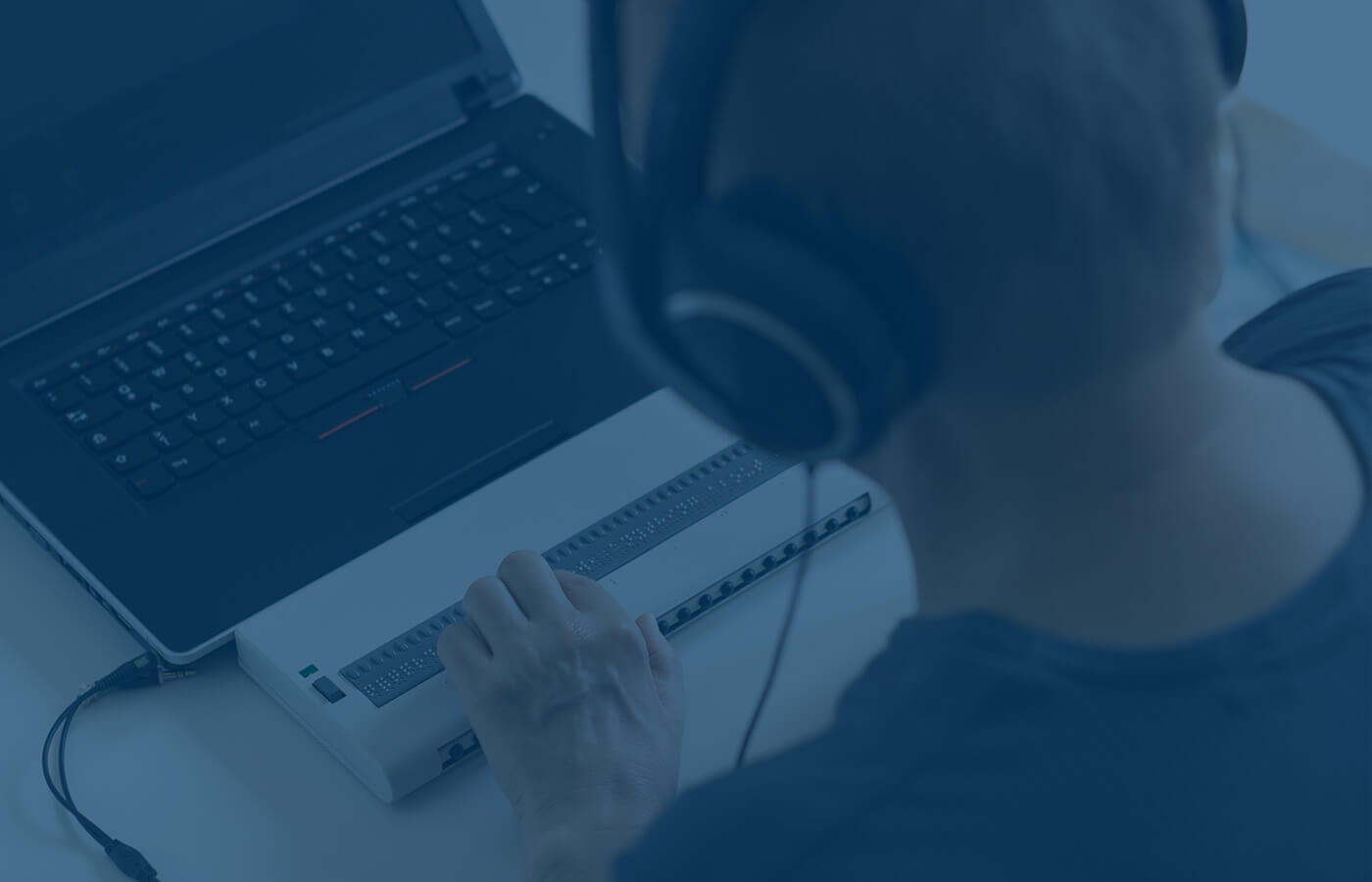
- Explore assistive technology available on campus
- Find resources and guidance for requesting support
For the Community
You don’t have to be an NWTC student or employee to benefit from accessible technology. There are many free tools that make web browsing and document reading easier:
- Microsoft Edge Reading Mode: simplifies webpages for easier reading
- Google Chrome Accessibility Extensions: improve text contrast and add screen reading tools
- Be My Eyes: connects users with volunteers for visual assistance via smartphone
- Color Contrast Checker (WebAIM): helps you see if text and background colors are easy to read
Assistive Technology at NWTC
NWTC offers a variety of assistive technology tools to support students, faculty, and staff, including:
- Screen magnification and screen reading software
- Speech-to-text software for dictation and note taking
- Captioned video players for accessible multimedia
To learn more or request training on any of these tools, contact Disability Services or the IT Help Desk.
Need Help Accessing Our Digital or Physical Spaces?
NWTC is committed to making sure everyone can use our website, digital tools, and campus spaces without barriers. If you experience an accessibility issue online or on campus please use the form below to tell us.
This form is only for accessibility-related concerns, such as problems with webpages, digital documents, video captions, ramps, elevators, or signage.
If you need help with passwords, logging in, or technical issues, please contact the Help Desk instead.
If you have questions or encounter barriers on any NWTC website or system, please reach out. We value your feedback, it helps us improve access for everyone.

- Email:
- jennifer.parks-tigert@nwtc.edu
- Phone:
- 920-498-6833